This is a guest app review by Sean Eddy, paramedic and blogger for MedicMadness.com. If you want to guest post or review on this blog, check out the guidelines here.
I stumbled across a really neat tool for my Android phone and discovered that it can be quite useful in the pre-hospital setting. “BabelDroid” for Android phones is a free application that can translate your voice into several different languages. I tested this application with my Motorola Droid, so you may have a different experience if you have a different phone.
App Installation
Find BabelDroid in the Android app market. Simply locate it and hit “install”. I found it under the “travel” category, but it would be much quicker to just do a search.
Putting it to use
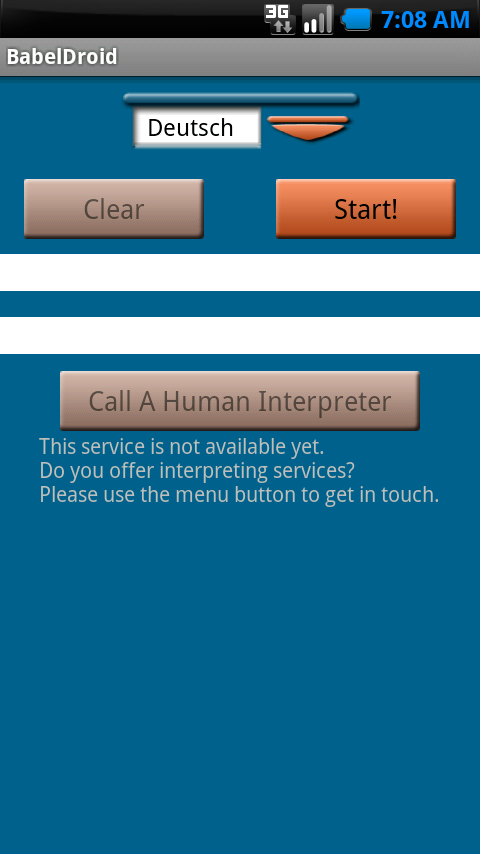
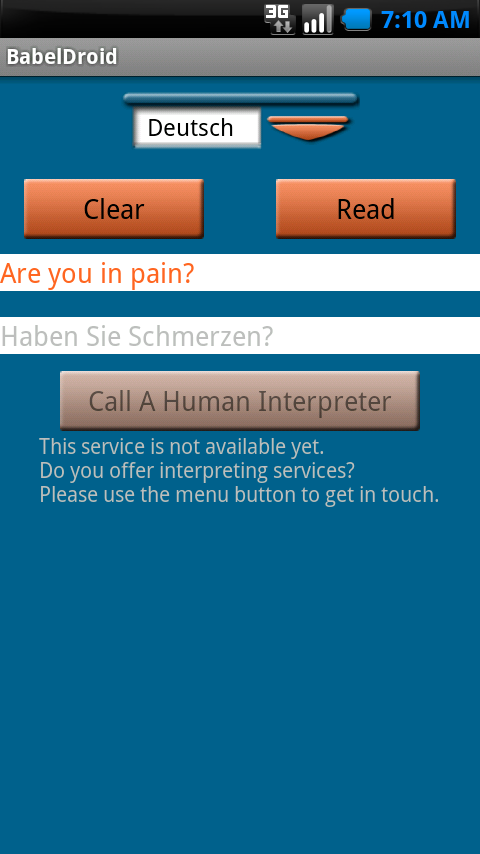
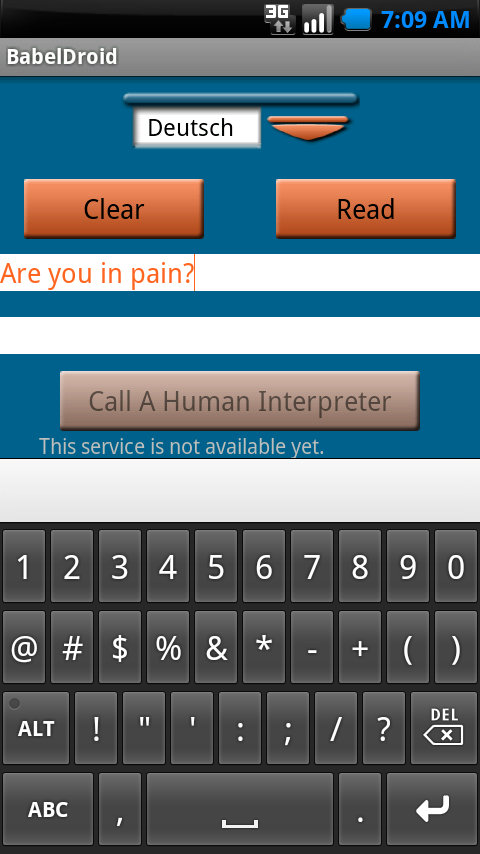
The application is very user-friendly. All you have to do is select your language and hit “start”. A recording box pops up and you can start talking. It automatically detects when you are done and translates your words. The words are then spoken via a pre-programmed voice. You can repeat the recording as many times as you need. You can also type the English words that you wish to translate by selecting the white text area.
BabelDroid currently translates English to Spanish, German, French and Italian.
Here are some screenshots that demonstrate BabelDroid in use:
Areas for improvement
There are a few areas that I feel could better serve the users to effectively translate foreign languages. For starters, the application will not translate other languages to English. Being that I don’t speak any of those languages, I can pretty much only ask “yes or no” questions. Having said that, I can’t complain as the application is free.
The only other issue I see is that background noise can distort your voice and cause errors with the interpretation. This is not the developers fault as it is nearly impossible to avoid. Holding the microphone close to your mouth helps but doesn’t eliminate the problem. The best way around this is to just type the words in.
Here is a screen shot that demonstrates how you can type your words into the translator:
Conclusion
Despite the small issues that I pointed out, I still feel that BabelDroid can be extremely useful in the field. If anyone knows of any applications that can translate foreign languages to English, please let me know.
Would you like your EMS product, service, book, or event reviewed for EverydayEMSTips readers? View our product review guidelines.
